 Xebec
XebecXebec Facebook ad: “How to set up the Xebec Snap”
Running for 425 days since August 2, 2025. Crush last saw it on October 1, 2026.
Run by Xebec on Facebook. Crush is not the advertiser and does not verify its claims. See this ad in Meta's Ad Library(opens in a new tab)
Want an ad like this for your product?
Crush makes new ad images for your product from this ad: your logo, your product photo, your offer.
Trials from $19.95 USD, then $79.95 USD a month. Cancel anytime.
About this ad
- Meta Ad Library ID
- 1224060386399950
- Platforms
- Facebook, Instagram, Audience Network and Messenger
- Relaunches
- 0
Ad text
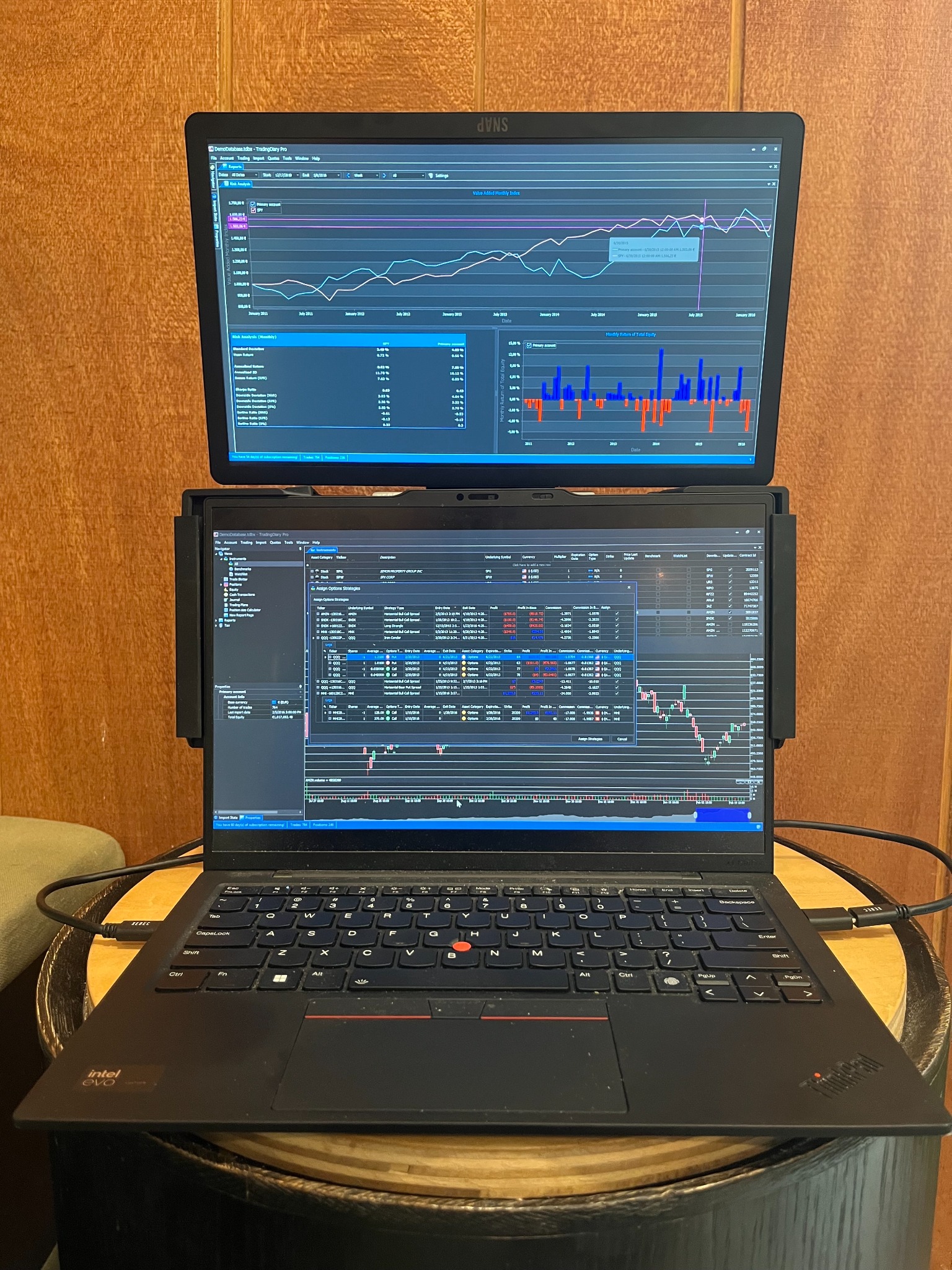
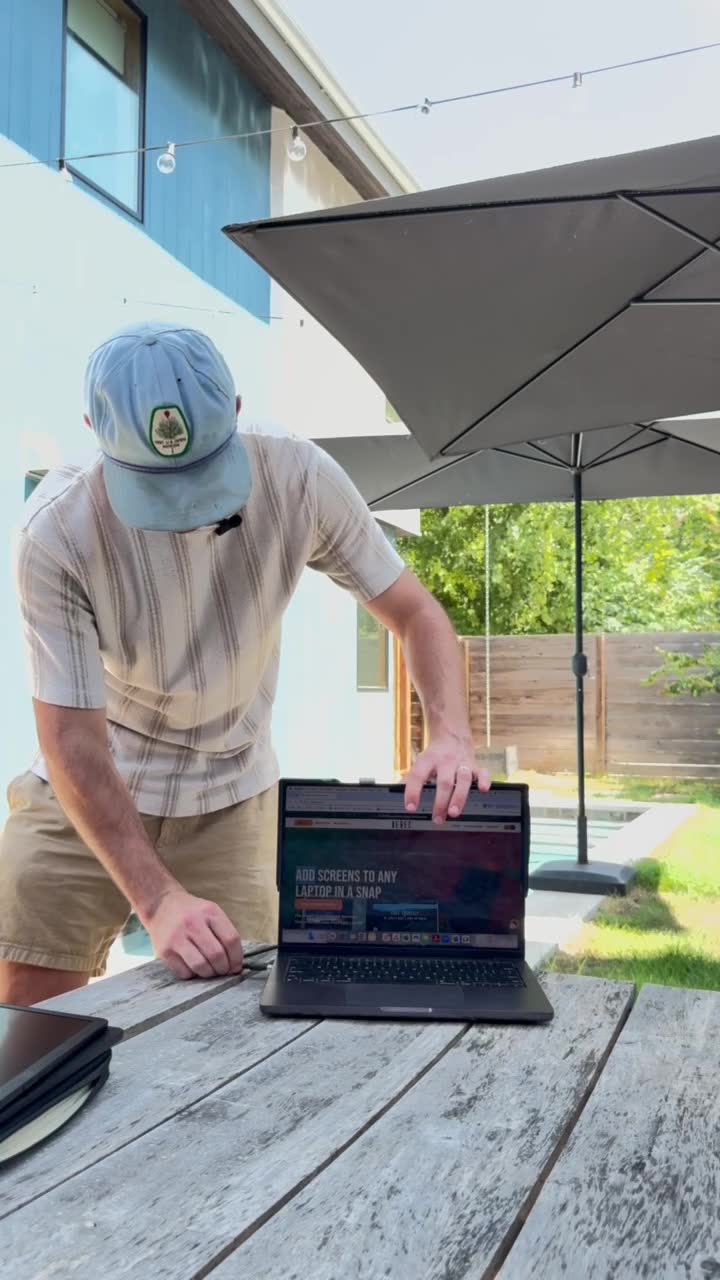
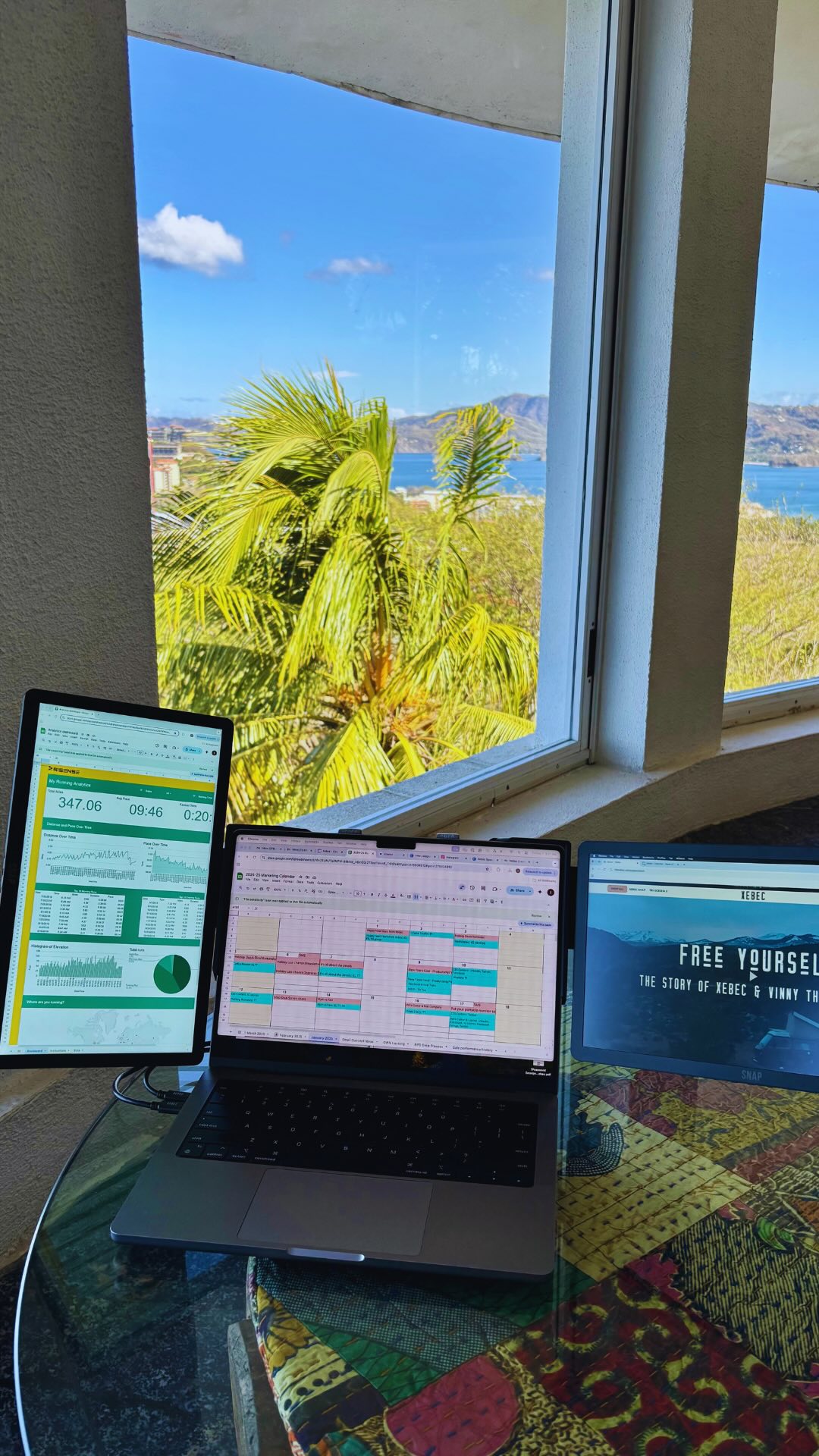
How to set up the Xebec Snap: ✅ Place the Snap Bracket over the back of the laptop screen ✅ Extend the telescoping kickstand built into the back of the Snap Bracket ✅ Plug in your USB-C cables to your laptop ✅ Rotate the wings from behind the Snap Bracket ✅ Snap on your screens! It’s as simple as that! Have any questions about this? Let us know below ⬇️ #portablemonitor #workfromanywhere #xebecsnap