
 Tech Explained Simply
Tech Explained Simply Facebook ad: “You woke up.”
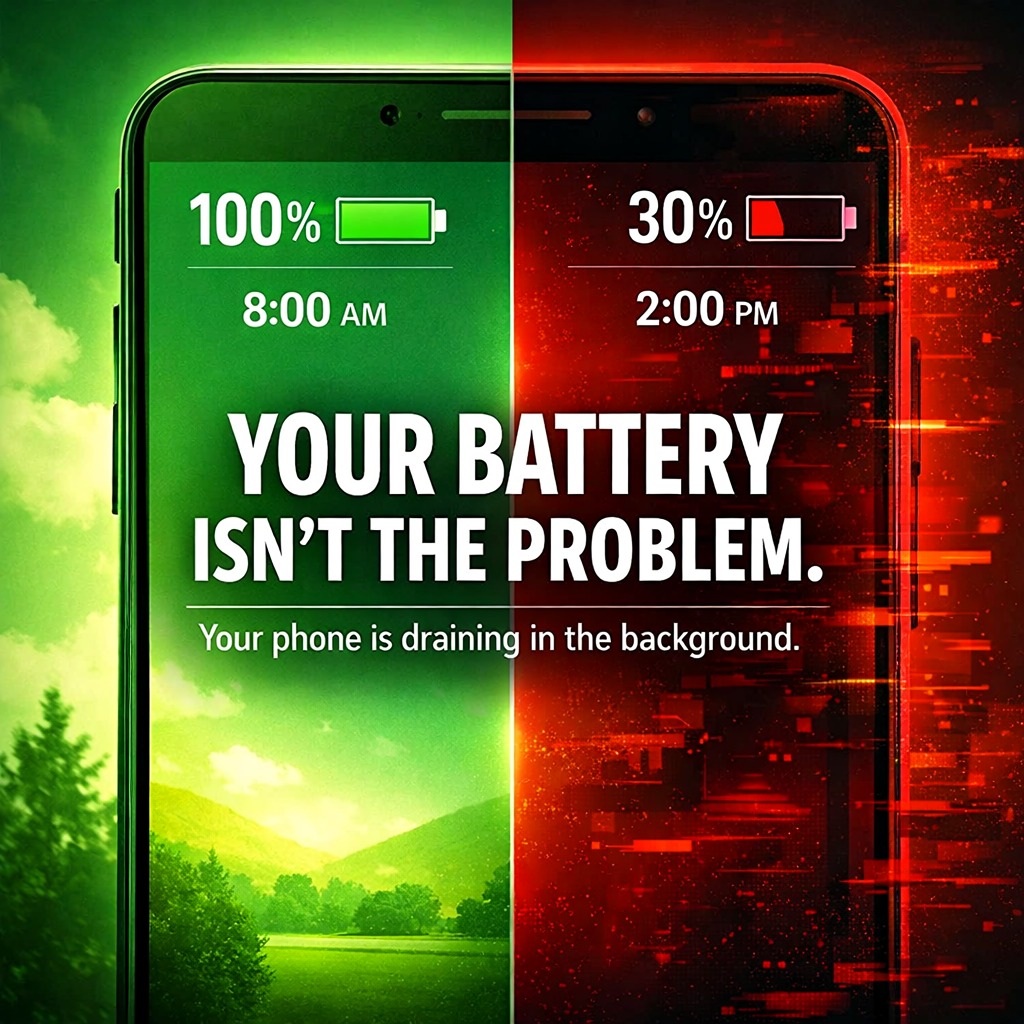
Ran for 74 days, from March 18 to May 31, 2026, the last day Crush saw it.
Run by Tech Explained Simply on Facebook. Crush is not the advertiser and does not verify its claims. See this ad in Meta's Ad Library(opens in a new tab)
Want an ad like this for your product?
Crush makes new ad images for your product from this ad: your logo, your product photo, your offer.
Trials from $19.95 USD, then $79.95 USD a month. Cancel anytime.
About this ad
- Meta Ad Library ID
- 1662333528127368
- Platforms
- Facebook, Instagram, Audience Network and Messenger
- Relaunches
- 0
Ad text
You woke up. Your phone was at 100%. You scrolled for 10 minutes. Replied to a few messages. Checked the news. By 2PM… it’s at 30%. You didn’t watch videos. You didn’t play games. So where did the battery go? Here’s the truth: The battery is rarely the problem. Your phone is working behind your back. 🔋 Background apps are draining you silently You think apps only work when you open them. They don’t. Right now—as you read this—apps are: • checking notifications • syncing data • refreshing feeds • talking to servers All in the background. Social media apps are the biggest culprits. They’re designed to always be ready. That “instant” feeling when you open them? Yeah… you pay for it in battery all day. 👉 Go to: Settings → Battery → Battery Usage Check which apps are running in the background. One of them will surprise you. 📱 Your screen is eating your battery Your display is the biggest power consumer. Not your apps. Not your network. Your screen. Auto-brightness sounds smart. It isn’t always. It often: • goes too bright outdoors • takes too long to dim indoors And during that time? Your battery is draining fast. 👉 Keep brightness around 50–60% indoors Only increase it when needed. Also—if you use Always-On Display, turn it off. It’s a quiet, constant drain. 📍 Location services: the hidden killer Go to: Settings → Privacy → Location Services Now look carefully. How many apps are set to “Always”? If it’s more than Maps or ride apps… you’ve found your problem. GPS drains battery fast. Your shopping app doesn’t need your location all day. Neither does your news app. 👉 Set most apps to: “Only While Using” That one change alone can give you 1–2 extra hours daily. 📶 Weak signal = faster drain If your network signal is low, your phone works harder. It keeps searching. Boosting. Trying to stay connected. That drains your battery faster than you think. 👉 At home or work: Use Wi-Fi calling if available. 👉 Not using Bluetooth? Turn it off. Small saving—a big difference over time. ⚙️ The setting most people ignore Your phone already has a fix for all this. Android: Battery Optimisation iPhone: Background App Refresh These control how apps behave in the background. 👉 Turn off unnecessary background activity. 👉 Restrict apps that don’t need constant access. 5 minutes of setup = hours of battery saved. 🔧 When it’s actually the battery If nothing improves, then yes—it might be the battery. After about 18–24 months, batteries wear out. 👉 iPhone: Settings → Battery → Battery Health Below 80%? Time to replace. 👉 Android: Use apps like AccuBattery to check health. And no—you don’t need a new phone. A proper battery replacement is cheaper and gives you another 2 years. 💬 Quick one: Go check your battery usage right now. Which app is draining you the most? Drop it below—I'll tell you if it’s normal or a problem. ♻️ Share this with someone who is always charging their phone and thinking it’s normal. 🔔 Next: Why do two phones with the same battery size perform completely differently.