
Inactive· since Oct 26, 2025
- 116
- days it ran
- 0
- relaunches
Ad copy
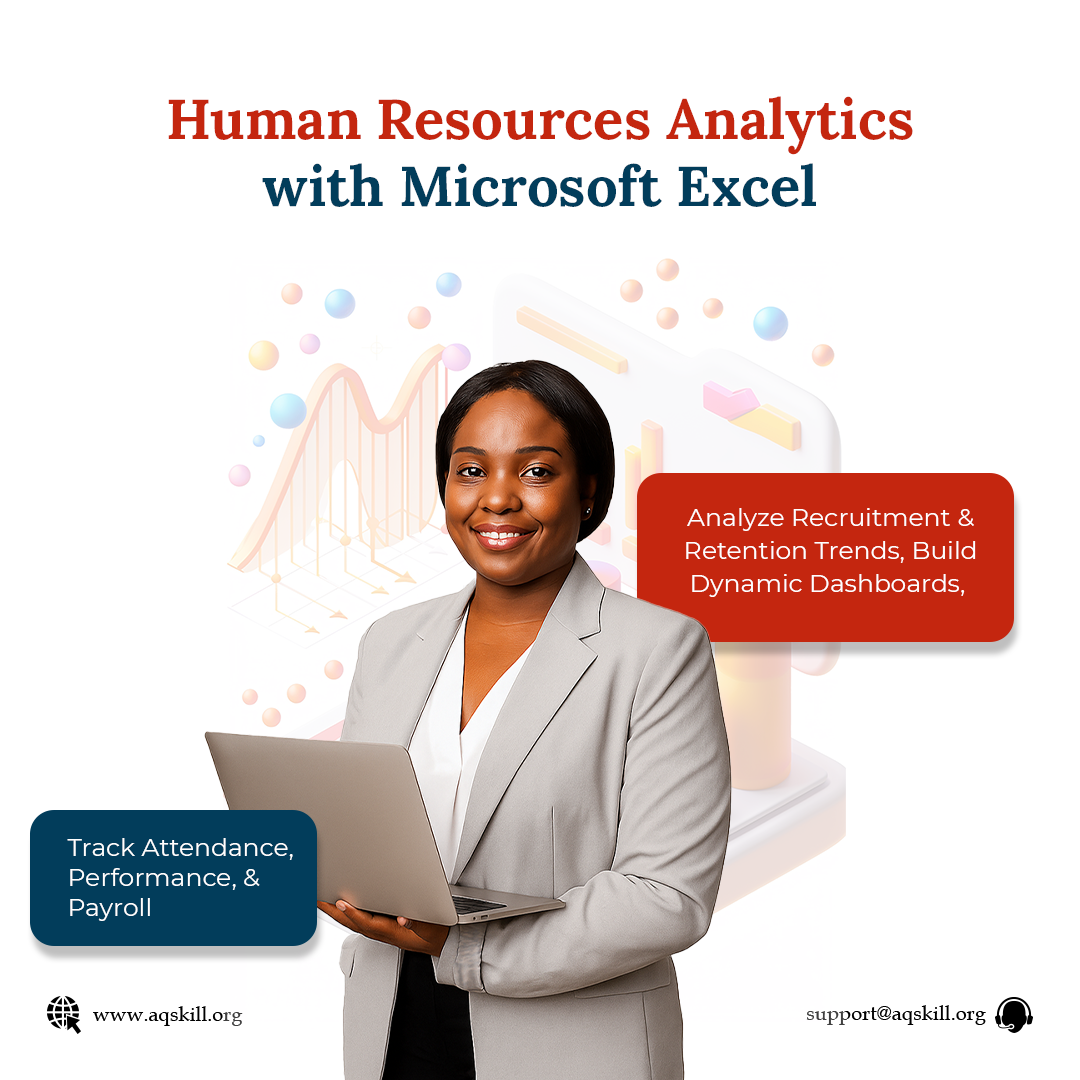
Do you want to become a data-savvy HR professional? Do you want to learn how to use Microsoft Excel to analyze employee data, track HR metrics, and make smarter workforce decisions? If yes, this is your opportunity to learn Human Resources Analytics with Microsoft Excel. In this practical, hands-on course, you’ll discover step by step how to transform HR data into actionable insights and automate routine HR workflows. Here’s a list of what you’ll be learning: ✅ Excel Essentials for HR – Master formulas like IF, COUNTIF, MAX, MIN, and logical operators to calculate leave, track employee data, and measure KPIs. ✅ HR Metrics Made Easy – Compute and interpret vital workforce metrics including turnover, retention, absenteeism, time-to-hire, and training ROI. ✅ Data-Driven Recruitment – Build dashboards that track diversity, hiring timelines, and offer acceptance rates. Design professional HR reports with Canva. ✅ Automated HR Templates – Save time with ready-to-use Excel templates for employee databases, leave trackers, recruitment sheets, and payment registers. ✅ Visualization & Dashboarding – Create interactive dashboards with dropdown filters, conditional formatting, and clear workforce insights. Also, you’ll receive a certificate of completion at the end of the course. 👉 Click the link below to enroll at a promo price today: https://www.aqskill.org/course/human-resources-analytics-with-microsoft-excel/ Seize this opportunity and step into the future of HR management! 🚀
Master HR analytics with Excel: simplify data, measure workforce metrics, and drive smart HR strategies.
Complete beginner to advance course
LEARN MORELike this ad? Make it yours.
Crush rebuilds this exact creative around your product — your brand, your colors, your offer — in about a minute.