
Key Takeaways
- 1The Meta Pixel records website conversions to evaluate funnel progress and return on ad investment, and build custom audiences for Advantage+ catalog ads campaigns and ad optimization.
- 2Give your developer a tracking brief linking desired store actions on product pages and the purchase flow with the advertising questions you need answered.
- 3Review proposed retargeting audiences with your developer to confirm tracking captures the store actions relevant to the intent of your follow-up message.
- 4Avoid counting a store action twice through deduplication by giving both records the same event_id when the pixel and CAPI report that action.
Understand what the Meta Pixel is used for: conversion tracking, audience planning and ad optimization for an online store.
The Meta Pixel is used for conversion tracking, audience creation and ad optimization based on website activity. It is a snippet of JavaScript code that loads a small library of functions.
What is Meta Pixel used for in an online store?
Tracking website visitors' actions is called conversion tracking. The key benefits for ad performance include measuring results and using those actions to plan audiences:
- Track actions such as product searches, product views and purchases.
- Review tracked conversions in Ads Manager and Events Manager to assess your conversion funnel, the steps toward a conversion, and return on ad investment.
- Use tracked conversions to define custom audiences, audiences based on those conversions, for ad optimization and Advantage+ catalog ads campaigns.
Recorded conversion events give you actions to use when planning campaign optimization. For a purchase-focused campaign, WebDataSolve recommends prioritizing Purchase, the purchase event, as your primary optimization signal, with value and currency. Put that choice in your developer brief so your optimization plan centers on completed purchases.
What is a pixel in Facebook ads?
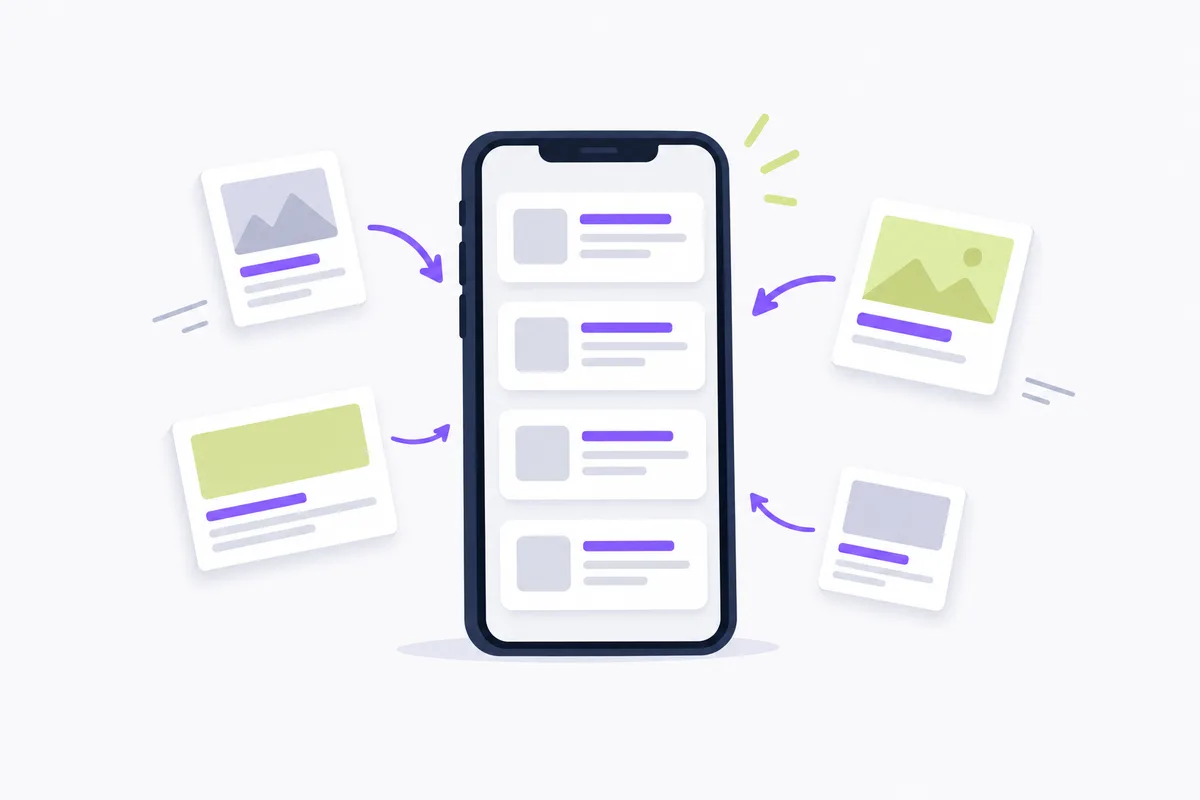
A pixel in Facebook ads is JavaScript code on your website that tracks Facebook ad-driven visitor activity. It loads a small library of functions and relies on Facebook cookies to match visitors to their respective Facebook User accounts.
Brief your developer on the store actions you need to record and the advertising questions those records should answer.
Which website actions can it record?
The Meta Pixel tracks standard events, predefined actions such as product searches, product views and purchases.
The page view event is included as part of the pixel base code.
| Event or action | What it records |
|---|---|
| PageView | Someone lands on a web page with the pixel base code installed. |
Match these actions to your store's product pages and purchase flow.
For an e-commerce implementation, WebDataSolve recommends this priority order:
- Prioritize
Purchaseas your primary optimization signal, with value and currency. - Next, set up
AddToCart, the cart activity event, for planning retargeting audiences. - Then set up
ViewContent, the product page view event, to plan ads for people who viewed a product. - Add
Search, the product search event, as an intent signal for campaigns promoting a broad catalog. - Finally, consider
AddPaymentInfoas a signal for planning ads to people who left checkout without buying.
How store actions support retargeting with custom audiences
Use tracked conversions to plan custom audiences for retargeting, or follow-up ads to previous visitors.
For e-commerce stores, WebDataSolve recommends setting up tracking for cart activity and product page views. Use product views to plan follow-up ads about the viewed product, or cart activity to plan a cart-focused message.
Choose the recorded action that matches your follow-up message. Review the proposed audience with your developer and confirm that the relevant actions are being recorded.
Use the Facebook retargeting strategy guide when deciding when to stop or scale follow-up campaigns.

How the pixel works with Conversions API
The pixel tracks website actions through JavaScript in the visitor's browser, while Conversions API (CAPI) connects your server's marketing data to Meta's systems. Using both routes lets the browser and server report the same store action, such as a purchase.
According to Meta, CAPI is designed to connect marketing data directly with ad optimization systems that help optimize ad targeting, decrease cost per result and measure outcomes across Meta technologies. For Messenger, optimization is currently only available for purchase events.
When the pixel and CAPI report the same store action, use the same event_id, the event identifier, for both records. This enables deduplication, recognizing the records as the same action so it is not counted twice. Separately, action_source, the field for an event's origin, must accurately reflect that origin, such as website. Ask your developer to check matching event_id values for the same action and the accuracy of action_source in your integration's event data.
On the impact of iOS privacy changes on pixel data, lionelz.com claims Apple's iOS 14.5 App Tracking Transparency framework reduced measurable Meta pixel conversion events by 15 to 30% for most e-commerce advertisers. Compare this vendor's figure with measurable conversion events in your own store. Review Clarigital's discussion of tracking permissions with your developer and test which website actions are measurable when tracking permission is granted or declined before interpreting gaps as campaign performance.
What should a store's pixel implementation include?
A store's pixel implementation should include code on intended pages, correctly configured events and testing, plus a separate review of data-sharing permissions.
Before enabling tracking, ask a qualified privacy adviser to identify the notice and consent requirements that apply in each market where your store operates. Review Meta's Business Tools terms with them to determine what information your store may collect and share, and plan to exclude sensitive visitor information. Have your developer configure tracking to wait for consent wherever that review identifies a requirement.
When installing the Meta Pixel on a website, review these technical checks from Meta with whoever maintains your store:
- The pixel code is present in the <head> section of every page you intend to track.
- There is no duplicate pixel code on any page.
- Standard events are configured to load after the base pixel code.
- Events are visible within the test events tool in Events Manager.
To test Pixel events with the Meta Ads Data Advisor Chrome extension, follow Meta's procedure:
- Navigate to the webpage where the Pixel is installed.
- Deactivate your ad blocker for the website you are on.
- Click the Data Advisor icon in your browser toolbar.
- Perform the action you want to track. For example, add an item to your cart to test the
AddToCartevent. - Confirm the Pixel is found on the webpage, with events shown after you select the Pixel.
- Confirm that the expected event appears and shows as successful.
- If any errors or warnings are displayed, implement the suggested fixes.
On Shopify, using a Meta pixel requires a customer data-sharing level, according to Shopify. Use the Meta Pixel installation guide for Shopify while reviewing your store's setup.
If campaign creation is your next task, Crush, our ad platform, creates ad creatives and copy and launches campaigns in your own Meta ad account. Automate your Facebook ads.
Frequently Asked Questions
Common questions about this topic
1What is a pixel in Facebook ads?
2What events does the Meta Pixel track?
3How does the Meta Pixel help with retargeting?
About this article
This article was written with AI assistance and researched against the sources listed below. It was reviewed by our automated editorial checks before publishing.
Sources
- Conversion Tracking (developers.facebook.com)
- Get started with the Meta Pixel (developers.facebook.com)
- Meta Pixel Standard Events: Complete List and Setup Guide | WebDataSolve (webdatasolve.com)
- Specifications for Meta Pixel Standard Events | Meta Business Help Center (facebook.com)
- Conversions API (developers.facebook.com)
- About Conversions API | Meta Business Help Center (facebook.com)
- Lookalike Audiences in Meta Ads: Complete 2026 Guide (lionelz.com)
- iOS 14.5+ Privacy Changes: Impact on Meta | Digital Codex (clarigital.com)
- Meta Ads Data Advisor (developers.facebook.com)
- Meta pixel (help.shopify.com)
Written by

Albertas Pocius
Co-founder, CMOAlbertas is the Co-Founder and CMO of TryCrush.ai, bringing elite-level performance marketing expertise to the platform. With over $50M+ in combined Facebook and TikTok ad spend, Albertas has launched and scaled dozens of projects from zero, driven by a deep obsession with data and experimentation. He has trained 20+ media buyers, consulted 100+ companies, and is widely recognized as one of Europe’s early TikTok pioneers, likely the first to scale campaigns beyond $100K per day. Today, he also teaches advertising strategy at two colleges, shaping the next generation of media buyers.
Stop Guessing.
Start Crushing.
AI Ad Manager trained by world-class media buyers to generate your creatives and optimize your ads 24/7.
Learn more
Related articles
Zeely vs Creatify: Features, Prices, and Store Fit
Pick Zeely for a mix of product-image ads and avatar videos. Consider Creatify for product-link video creation and a free, watermarked starting point. Compare credits, revisions, and campaign management before paying.
Dropship.io Reviews 2026: Pricing, Features, and Accurate Data
An in-depth look at Dropship.io's features and pricing in 2026. Learn where the platform excels and why its estimated revenue metrics might cause media buyers to burn through their ad budgets.

How to Install Meta Pixel on Shopify
Install Meta Pixel through Shopify's official Facebook and Instagram by Meta channel, choose your data-sharing level, and check your store's events.

How to Add Branding to Meta Ads That Actually Convert
Most advertisers ruin their return on ad spend by overcomplicating their visual identity. Here is how to integrate branding into your creatives to drive direct response.