
Key Takeaways
- 1For presentation tests, keep product and offer unchanged, write the question before editing creatives, and assess results using the winner criterion recorded beforehand.
- 2Link budget increases to purchase volume and advertising cost per order within your margin limit, reviewing each change and recording the next review condition before increasing again.
- 3Use store order records alongside a same-period comparison of spending, reported purchases, and advertising cost per order to investigate campaign purchase information.
Meta's shopping campaign automation handles targeting, placements, and creative testing. Prepare purchase signals, creative variations, and a budget grounded in your store's economics.
Advantage Plus Shopping Campaigns (ASC) are now Advantage+ sales campaigns: Meta renamed them (checked November 13, 2026) and folded them into the normal Sales objective, where a campaign counts as Advantage+ when Advantage+ campaign budget, Advantage+ audience and Advantage+ placements are all on. Meta then automates who sees your ads, where they run and how the budget is split. For your store, the work that still matters is reliable purchase tracking, varied images and videos, and a test budget your margin can carry.
Advantage Plus Shopping Campaigns for your store
There is no longer a separate ASC campaign type to pick. Meta's developer notice (checked November 13, 2026) said remaining legacy ASC campaigns would be paused with Marketing API version 26.0, which Meta released on July 29, 2026 (checked November 13, 2026). The existing customer budget cap that ASC offered is not available in Advantage+ campaigns; to limit spend on past buyers, Meta suggests (checked November 13, 2026) one ad set for existing customers with its own daily spend cap and one ad set that excludes them. For your Shopify store, prepare a purchase-tracking review, creative material, and a spending plan before choosing campaign options.
Start ASC with a total test budget your store can afford to risk, allocated across a test period with a clear end date.
For ASC, prepare several genuinely different images and videos, so the campaign has real options to test and you have replacements when results fade.
Complete this pre-launch checklist before committing spending:
- Purchase signals: Arrange a review of your store's purchase tracking.
- Creative material: Check that the planned images and videos are ready to use.
- Budget: Record the total amount you can risk and the dates it must cover.
- Review criteria: Write down how you will compare spending, purchases, and advertising cost per order with your store's goals.
Write the brief before committing spending. It gives you a concrete reference when reviewing campaign choices and later evaluating performance.

Purchase tracking readiness: Pixel and Conversions API
Purchase tracking with the Meta Pixel and Conversions API (CAPI) matters for Advantage Plus Shopping Campaigns because they depend on conversion-signal quality, as WeltPixel explains. WeltPixel also explains that ASC's optimization model weights recent purchase events; fewer or poorly matched events leave it with less information.
According to Working Planet, CAPI supplements the Pixel with a server-side connection that sends conversion events directly to Meta. It helps close data gaps caused by browser tracking limitations, while Advantage+ uses artificial intelligence to make the most of the signals still available.
Meta says the Pixel's base code includes a page view event, which tells you when someone lands on a webpage with that code installed.
Use these readiness checks from Meta's Pixel guidance:
- Pixel code is present in the <head> section of every page you intend to track.
- There is no duplicate Pixel code on any page.
- Standard events are configured to load after the base Pixel code.
- Events are visible within the test events tool in Events Manager.
PED advises checking Pixel and Conversions API purchase events, including value and currency. Make purchase-event readiness part of your launch brief, alongside the basic Pixel checks.
Your campaign plan in Ads Manager
In Ads Manager, an Advantage+ sales campaign starts as an ordinary campaign with the Sales objective. Meta's developer documentation (checked November 13, 2026) says it keeps Advantage+ status only while three settings stay on: Advantage+ campaign budget, Advantage+ audience in at least one ad set, and Advantage+ placements in every ad set. Turn one of them off, for example by excluding placements in an ad set, and it runs as a manual sales campaign.
To set one up, click Create in Ads Manager and choose the Sales objective. Pick your website as the conversion location, with your pixel or dataset and the Purchase event. Set a campaign budget, leave Advantage+ audience and Advantage+ placements on, add your images, videos and text, then review and publish. Keep your written launch plan beside you, so each choice in the account matches a decision you already made.
For Advantage+ vs. traditional campaigns, list the targeting, placement, and creative-testing decisions you want automated. Use that list to assess the available controls, without assuming that automation alone promises cheaper purchases.
Benly notes that many successful e-commerce advertisers run both campaign types simultaneously. Treat that as a possible account arrangement, not a requirement for your store.
If you are planning several campaigns, sketch the purpose of each before committing budget. The Facebook ad account structure guide is a useful next reference for organizing that plan.
Creative variety and testing
For text on your images and videos, Meta's safe zone guidance (checked November 13, 2026) recommends a clean font in a large enough size with a contrasting color, one main message per ad, and key text and logos kept away from the edges in Stories and Reels, where the profile icon and call to action can cover them. Meta's A/B testing tool (checked November 13, 2026) compares versions of an ad that differ in one variable, such as the image or the ad text, and shows each version to a separate part of your audience.
Make variation meaningful by changing what the shopper learns from the ad. Avoid filling your creative plan with versions that only have different filenames.
Write a test question before changing the creative, such as: “Which image or video produces a lower advertising cost per order?” Keep the product and offer consistent if the question is about presentation.
Create an A/B Test in Ads Manager
Meta's A/B testing instructions include the following route when you choose Make a copy of this ad:
- Go to Ads Manager. This page lists all of your available ad campaigns in your ad account.
- Click A/B Test in the toolbar.
- Next, select Make a copy of this ad.
- Choose the ad from the dropdown you want to set up for the A/B test.
- Click Next.
- Select an available variable to change in the new version of your test. Follow the on-screen instructions.
- Choose which Ad Set you want to copy.
- On the next screen, enter a name for your A/B test, then choose how you'd like to determine a winner for the A/B test from the options on screen. You may also add additional metrics.
- Next, schedule the start and end date of your test. This is different from the start and end date of the ad campaigns you're using for your A/B test, but should be set to cover the duration of your ad campaigns, or enough time to yield reliable results.
- Click Duplicate Ad Set.
- Create a name for your Ad Set, then follow the on screen instructions.
- After reviewing and editing all options, select Publish to begin your test.
Record the chosen winner criterion alongside your test question. Judge the completed test against that original choice, rather than selecting a different measure after seeing the results.
Starting budget and purchase volume
Your starting ASC budget should reflect affordable test spending and the advertising cost per order your store's margin can support. Work from selling price, product and fulfillment costs, and the amount you want left before other expenses.
Decide your review criteria before the campaign runs so every fluctuation does not become a reason to edit it.
Purchases are a harder goal than cheaper actions: Meta's minimum budget guidance (checked November 13, 2026) notes that optimizing for purchases may need more budget than optimizing for landing page views. Meta publishes no fixed minimum; Ads Manager shows an alert when a budget is below the minimum for your settings. With a daily budget (checked November 13, 2026), Meta may spend up to 75% more on a given day, but no more than 7 times the daily budget in a Sunday to Saturday week unless ad set budget sharing is on, so plan your test total from the weekly figure.
Hypothetical calculation: suppose an order brings in $60, product and fulfillment costs total $35, and you want $10 left before other expenses. That leaves $60 - $35 - $10 = $15 available for advertising per order.
For that hypothetical store, $150 of advertising spend for 10 orders means $150 / 10 = $15 per order. A higher advertising cost per order would leave less than the intended $10 before other expenses.
Use your own figures to establish the advertising cost per order your margin allows. If that cost remains above your allowance when the planned test budget is spent, stop that version and review the offer, creative, or purchase tracking.
Budgeting and scaling strategies should keep increases tied to your own purchase volume and advertising cost per order. Review the effect of a budget change before making another, and keep your margin calculation as the spending constraint.
For more on allocating campaign spending, see the campaign budget allocation guide. Write down the next review condition before increasing your commitment.
Performance checks and troubleshooting
For monitoring key metrics and optimization, compare total spend, reported purchases, and advertising cost per order over the same reporting period. Keep your store's order records beside that review so you can investigate the purchase information behind the campaign report.
Choose the check that matches the symptom you can document. The table gives you an investigation to start, without assuming the symptom has a single cause.
| Performance issue | Next check or test |
|---|---|
| Purchase data appears duplicated | Check for duplicate Pixel code on the pages you intend to track. If you also send Conversions API events, check that the pixel and server events share the same event name and event ID, so Meta can deduplicate them (checked November 13, 2026). |
| Creative results weaken | Test different images and videos to identify top performers. |
| The offer or product message is hard to see | Use high color contrast to ensure visibility. |
| Core elements are obscured in Stories or Reels | Keep core elements within the safe zone. |
Give each proposed change a written purpose, such as testing a clearer product message or checking missing purchase events. Keep a dated note of changes and purchases, so your next review has a specific question to answer.
Crush, our ad platform, creates ad creatives and copy and launches campaigns in your own Meta ad account. Automate your Facebook ads if you want that work handled in one platform.
Frequently Asked Questions
Common questions about this topic
1Why does tracking (Pixel + CAPI) matter so much for ASC?
2What is the difference between Advantage+ sales campaigns and manual Meta shopping ads?
3What budget should I start with when running Advantage Plus Shopping campaigns for a Shopify store?
4What creative should I prepare for ASC?
About this article
This article was written with AI assistance and researched against the sources listed below. It was reviewed by our automated editorial checks before publishing.
Sources
- Meta Advantage+ Shopping Campaigns on Shopify: Why CAPI Matters for AS, WeltPixel (weltpixel.com)
- Getting Smarter with Meta Ads: A CAPI & Advantage+ Breakdown (workingplanet.com)
- Specifications for Meta Pixel Standard Events | Meta Business Help Center (facebook.com)
- Meta Ads Data Advisor (developers.facebook.com)
- Meta Advantage+ Shopping Campaigns: Setup, Budget & Mistakes, PED (pixeleyesdigital.in)
- Advantage+ vs Manual Campaigns: When to Use Each 2026 (benly.ai)
- Create an A/B Test in Ads Manager | Meta Business Help Center (facebook.com)
- Meta Advantage+ Shopping Campaigns: renamed Advantage+ sales campaigns | Meta for Business (facebook.com)
- Advantage+ Campaign Experience for Sales, App, and Leads | Meta for Developers (developers.facebook.com)
- ASC and AAC deprecation in Marketing API v25.0 | Meta for Developers blog (developers.facebook.com)
- Introducing Graph API v26.0 and Marketing API v26.0 | Meta for Developers blog (developers.facebook.com)
- About text overlays and the safe zone for ads in Stories and Reels | Meta Business Help Center (facebook.com)
- About A/B testing for Meta Ads | Meta Business Help Center (facebook.com)
- Best Practices for Minimum Budgets | Meta Business Help Center (facebook.com)
- About Daily Budgets | Meta Business Help Center (facebook.com)
- Deduplicate Pixel and Server Events | Meta for Developers (developers.facebook.com)
Written by

Rokas Steponavičius
Founder, CEORokas is the Founder and CEO of TryCrush.ai, an ex-IBM professional turned entrepreneur focused on building AI-driven growth platforms. With a strong background in ecommerce, performance marketing, media buying, and artificial intelligence, Rokas specializes in creating scalable, data-led systems that drive measurable revenue. His mission is to help modern businesses leverage AI to optimize acquisition, conversions, and long-term profitability.
Stop Guessing.
Start Crushing.
AI Ad Manager trained by world-class media buyers to generate your creatives and optimize your ads 24/7.
Learn more
Related articles

The Future of Meta: Why "Manual" is the New "Broken"
Signal loss has crippled manual targeting. Meta's Advantage+ and AI tools are the new standard for scaling. Learn why sticking to manual controls is a "tax" on performance and how to pivot to an AI-first strategy.
How to Structure Your Facebook Ad Account for Predictable Growth
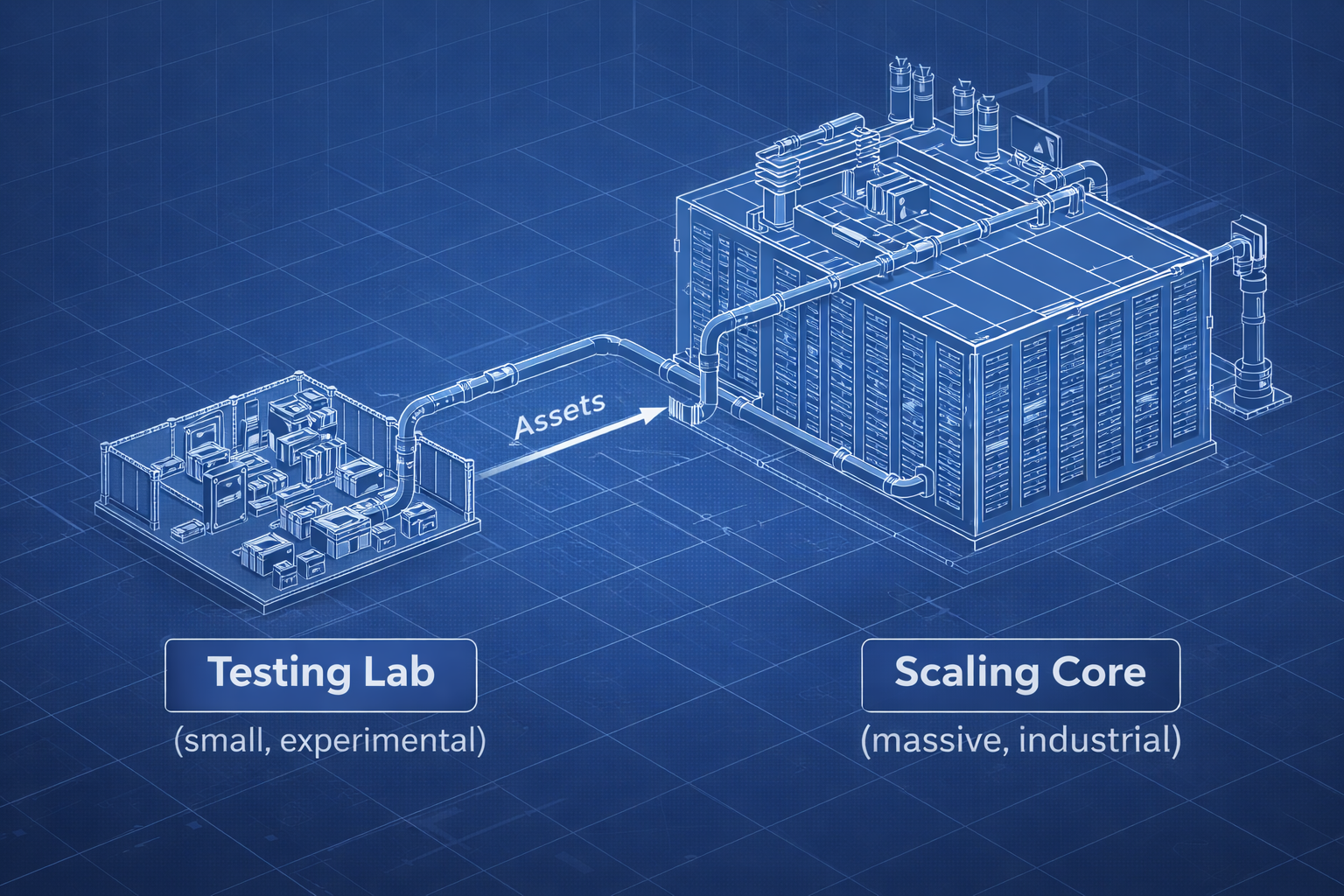
Messy ad accounts produce messy results. Discover the "Sandbox" philosophy that separates experiments from revenue. This guide reveals the only three campaigns you need to scale your Facebook Ads to seven figures.

ABO vs. CBO: Guide to Scaling Facebook Ads in 2026
Is ABO dead? In 2026, the answer is no. Discover why you need a Hybrid Framework that leverages ABO for precise testing and CBO for massive scaling. Learn the 3-step pipeline to structure your ad account for maximum profit.
Meta Advantage+ Audience: How It Works and When to Use It
Meta Advantage+ audience lets Meta's AI pick who sees your ads inside a few hard controls. See which settings are suggestions, how it differs from original audiences, and when to use it or turn it off.