
Key Takeaways
- 1Assess sales through purchases recorded for advertising and checked against store orders, investigating discrepancies before audience changes instead of counting page visits as sales.
- 2For almost all campaign types except retargeting, follow Meta's A/B testing recommendation for Advantage+ audience while budgeting what your store can afford without a sale.
- 3For broad targeting, pair product presentation, an explanation of product use, and accurate offer wording with change records for comparing purchases and advertising costs.
Set up Advantage+ Audience in Ads Manager, understand which settings restrict delivery, and choose an approach that fits your store's products and conversion data.
Meta Advantage+ audience (or Audience with Advantage+ on) lets advertisers use Meta's advanced AI to find their Meta ad campaign audience, according to Meta. To use it effectively, check your conversion tracking and give Meta useful guidance: its AI uses past conversions, Meta Pixel data, and interactions with previous ads.
How Advantage+ Audience uses suggestions and controls
Defining the Terms
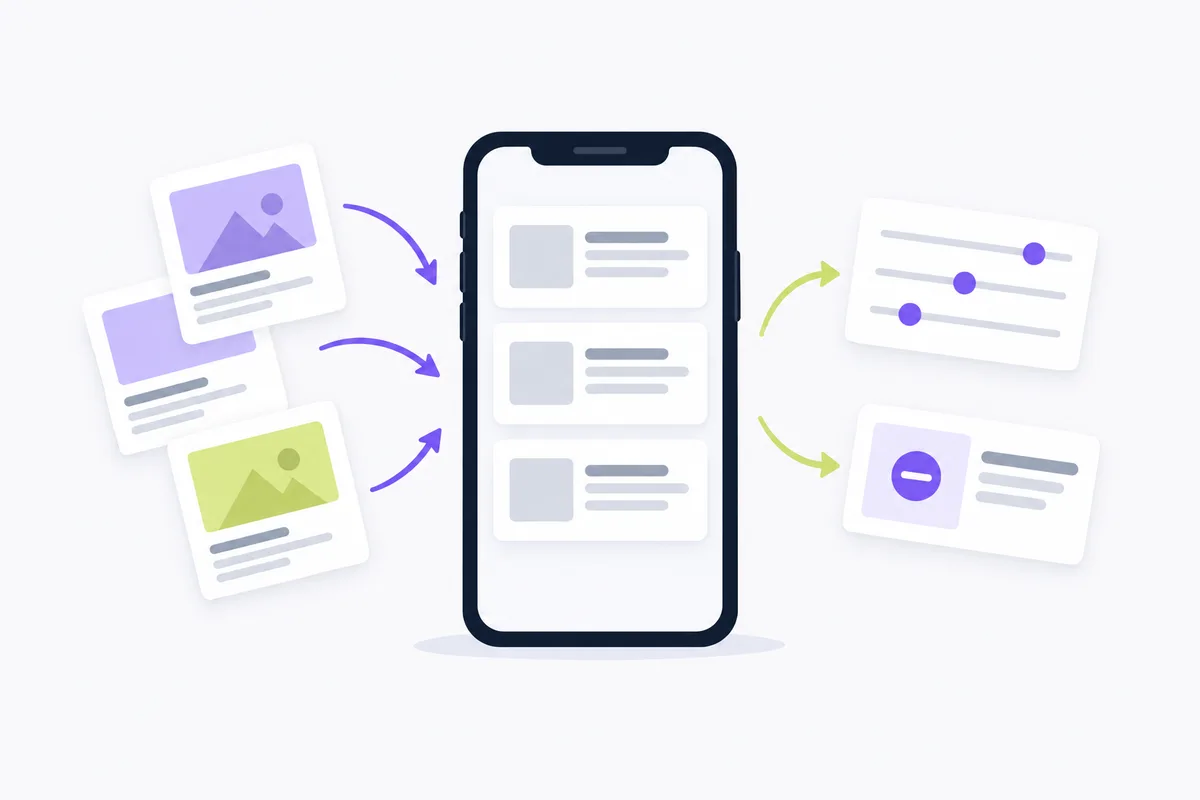
The key distinction is between suggestions, which share audience information with Meta's AI, and controls, which limit who sees ads, as Meta explains. Choose restrictions when they reflect business needs.
Common misconceptions to avoid
Don't assume that selecting a niche makes it a delivery boundary or that broader delivery ignores every control.
Why is detailed targeting losing its grip on delivery?
Detailed targeting offers fewer restriction options after Meta started removing the ability to use detailed targeting exclusions. Removal began in Ads Manager on March 31, 2025, and when boosting posts on Facebook and Instagram on June 10, 2025. It is also gradually combining some detailed targeting interest options into new groupings in Ads Manager, Meta Business Suite, and boosted posts on Facebook or Instagram.
How to set up Advantage+ Audience in Ads Manager
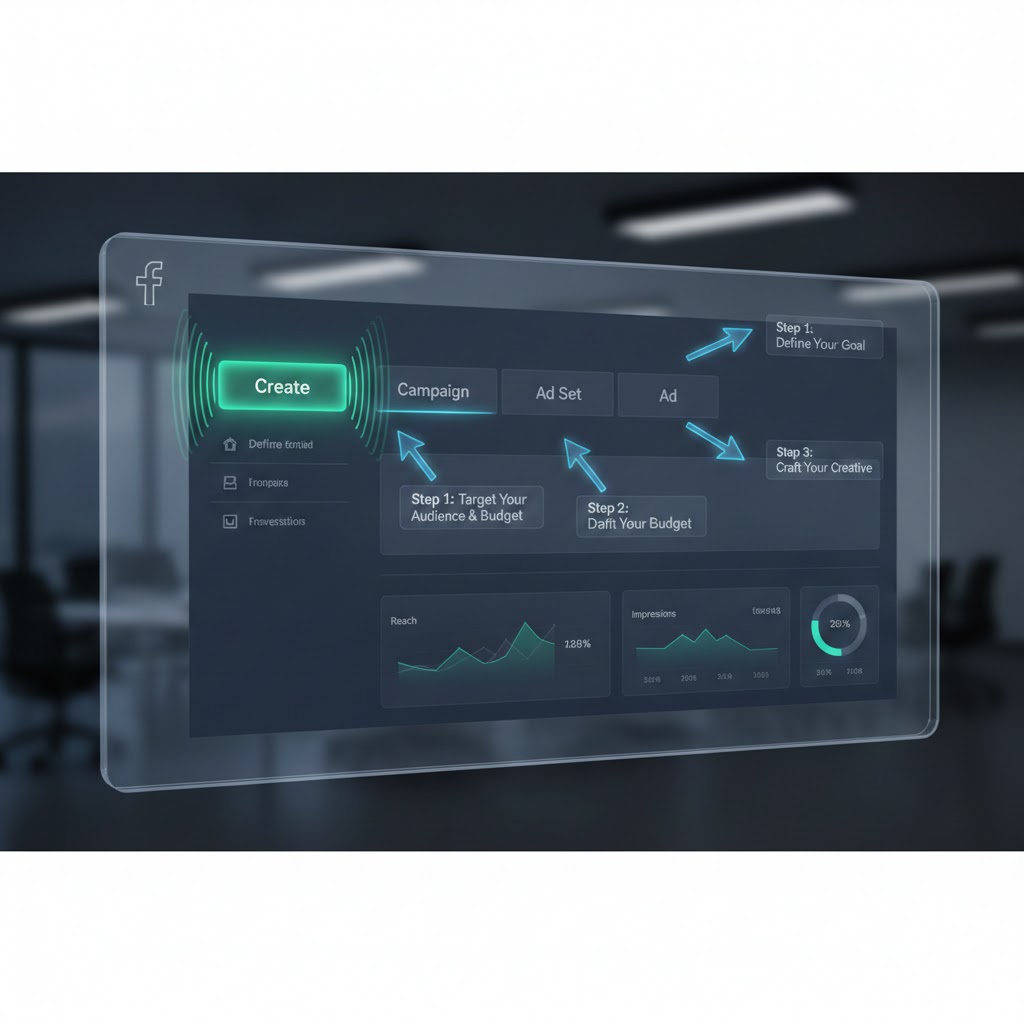
Follow Meta's campaign-creation procedure to find the audience settings, apply necessary limits, and add optional suggestions.
To set up Advantage+ Audience in Meta Ads Manager:
- Select + Create to create a campaign in Meta Ads Manager, then select an objective. You may see a campaign score on the right side, which predicts how optimized your campaign is before publishing. Review the score and apply recommendations while drafting.
- Go to the Ad set level; Advantage+ audience is applied automatically when available. To turn Advantage+ audience off, make your selections in the additional audience controls; Use as a suggestion boxes may need to be unchecked. When duplicating a campaign without Advantage+ audience, Recommended setup applies it automatically; Original setup shows Use Advantage+ audience under Audience.
- Find the Audience section of the ad set.
- Use Controls to limit who can see your ads: hover over Locations and select Edit. Target as broadly as possible. Meta won't target beyond your location settings unless you select Reach more people likely to respond to your ads.
- Optionally, under Controls, select Show more controls for Exclude these custom audiences, Minimum age, and Languages. You can exclude current customers, and excluded custom audiences can still be added as Audience suggestions. You can't exclude lookalike audiences using Advantage+ audience because an exclusion constrains your audience and reduces delivery opportunities. When you use Advantage+ audience, you can't select ages under 18 (or older in some countries).
- Optionally, if other audiences shouldn't see your ads, select Further limit the reach of your ads or Further limit your audience for additional controls: Age, Gender, Custom audiences, including custom and lookalike audiences, and Detailed targeting. To turn Advantage+ audience off through these selections, you may have to uncheck Use as a suggestion boxes. Check the displayed audience status after changes; removing suggestions may leave Audience showing Advantage+ off. You can also use Ad account settings to limit where ads are shown.
- Optionally, add an Audience suggestion in Suggest an audience: select Show settings, then Include these custom audiences, Age, Gender, or Detailed targeting. Custom audiences and lookalike audiences can be included. A Minimum age set in Audience controls can't be overruled.
Instagram Advantage+ Audience: what should you check?
For an Instagram campaign managed in Meta Ads Manager, check availability and whether your audience selections are suggestions or controls. Meta warns that campaigns for social issues, elections, or politics, as well as pharmaceuticals campaigns, may not have access to all Advantage+ features. Its AI is not limited to people matching your selections, giving the delivery system more flexibility to find new audiences.
Record your shipping markets, customer exclusions, and optional suggestions so you can identify what changed in later tests.
For the surrounding campaign settings, use the Facebook Ads Manager setup walkthrough.
How your store's conversion data supports audience learning
Conversion data is part of the audience input, and Meta says its AI evolves constantly as it learns. Better targeting starts with checking that the actions you care about are being recorded accurately.
Meta says the pixel base code includes a page view event, which tells you when someone lands on a page with that code installed. Don't treat a page visit as proof of a sale.
To check the action you want to track with Meta Ads Data Advisor, follow Meta's steps:
- Navigate to the webpage where the Pixel is installed.
- Deactivate your ad blocker for the website you are on.
- Click the Data Advisor icon in your browser toolbar.
- Perform the action you want to track.
Conversions API events and pixel events support the same types of ad optimization, including maximizing the number and value of conversions. They appear in most of the same surfaces, including Meta Ads Manager and Meta Events Manager.
On performance, Meta describes Advantage+ as an AI suite that optimizes campaigns in real time and matches ads to people most likely to take action. Its most advanced AI optimizations are enabled when a sales campaign uses Advantage+ audience, placement and budget.
Before changing your audience, reconcile the purchases recorded for advertising with your store's orders and investigate discrepancies.
When should a small store use audience suggestions or limits?
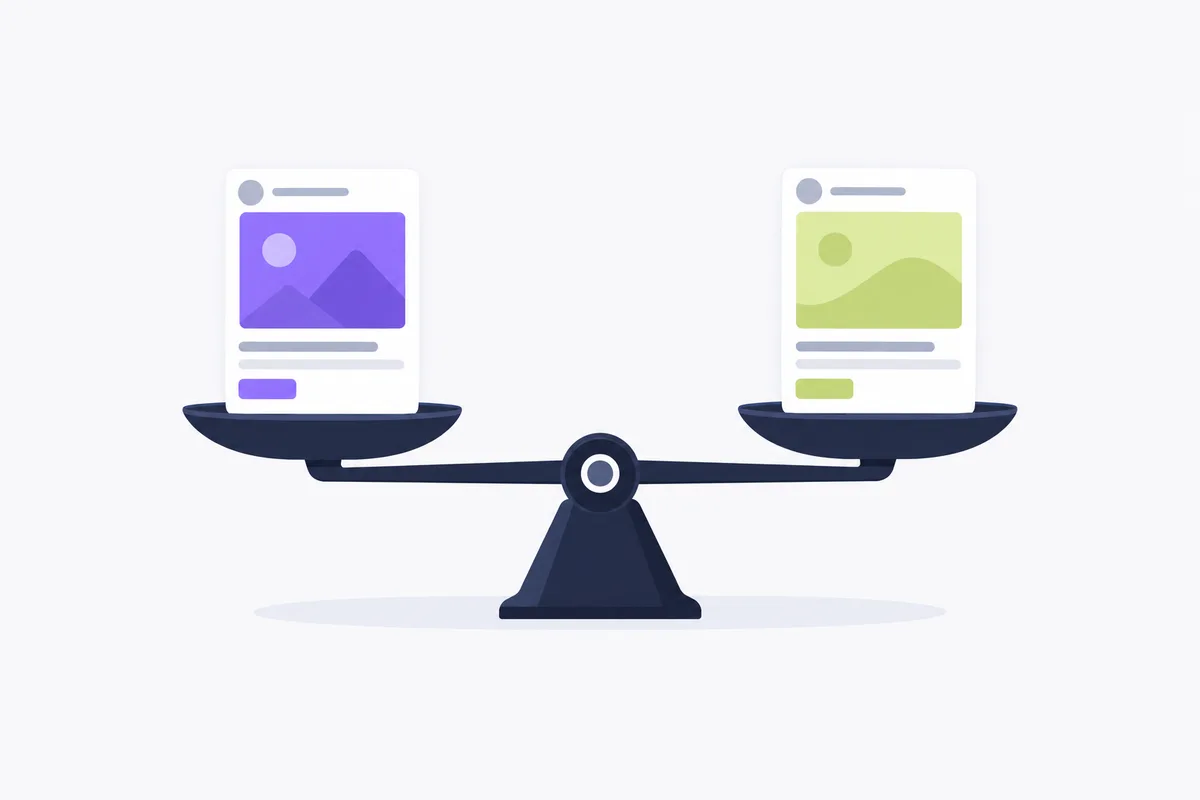
Use optional suggestions to guide audience discovery; choose restrictions when your business needs ads limited to a particular audience.
Advantage+ Audience and broad targeting can work together: Meta recommends broad targeting and makes audience suggestions optional. Test a broad approach without optional suggestions, then compare it with useful custom audience or detailed targeting guidance.
Advantage+ detailed targeting allows Meta to reach beyond your detailed targeting selections. If its system finds better performance opportunities outside your defined audience, it can update delivery to reflect them and may expand your audience further.
Advantage+ Audience uses AI to find your audience; Meta lists Detailed targeting under Suggest an audience and among additional audience controls. For delivery restrictions on an Advantage+ audience setup, make your selections in those additional controls; you may have to uncheck Use as a suggestion boxes. Applying those restrictions or removing suggestions may turn Advantage+ audience off. Check the displayed status: if removing suggestions turns it off, Audience shows Advantage+ off.
| Your store's situation | Suggested starting point | When limits matter |
|---|---|---|
| Limited budget and little conversion data | Start without optional audience suggestions if you have no useful audience guidance. | Keep location settings aligned with where you can fulfill orders. |
| Conversion history and room to test while scaling | Test Advantage+ audience with useful custom audience or detailed targeting suggestions. | Exclude current customers if the campaign is intended for new buyers. |
| Niche product | Use Detailed targeting as a suggestion when the niche is guidance, not an eligibility requirement. | Use additional controls if Age, Gender, or a chosen audience must restrict delivery. |
| Ads intended only for a known audience | Check whether the custom audience inclusion is still a suggestion. | If other audiences shouldn't see your ads, make the needed selections in the additional audience controls; the Use as a suggestion boxes may need to be cleared. |
Meta recommends A/B testing with Advantage+ audience for almost all campaign types, except retargeting campaigns. Keep the test budget within what your store can afford to spend without a sale.
How to turn Advantage+ audience off?
At the Ad set level, make selections in the additional audience controls to turn Advantage+ audience off, following Meta's procedure:
- Go to the Ad set level and find the Audience section.
- To turn Advantage+ audience off, select Further limit the reach of your ads or Further limit your audience and make your selections; you may need to uncheck the Use as a suggestion boxes to turn it off.
- Check the displayed audience status after making your changes. Only remove a suggestion to reflect business needs, so you don't miss any opportunities to maximize performance.
What Is Advantage+ Custom Audience?
Advantage+ Custom Audience is using a custom audience as a suggestion; it can allow delivery beyond that audience if Meta thinks it's likely to improve performance. It applies automatically when you include a custom audience in Suggest an audience, creating an Advantage+ audience suggestion.
Meta says custom audience exclusions are always controls, even if Use as a suggestion is checked.
For catalog ads, Meta identifies catalog custom audiences, such as recent product viewers, for retargeting, cross-selling, or upselling. Keep that separate from assuming a suggested customer list restricts delivery to that list.
If returning shoppers are your goal, review your Facebook retargeting strategy before allowing audience expansion.
What to check when audience performance disappoints
Troubleshoot tracking, restrictions, and the offer before concluding that the audience setting is the problem.
| Problem | Specific check or fix |
|---|---|
| Cost per purchase has risen | Reconcile recorded purchases with store orders. Check whether the ad's product price, shipping terms, and offer match the landing page. |
| Reach is lower than expected | Review Locations, Minimum age, Languages, and excluded custom audiences. Remove restrictions that no longer reflect business needs. |
| Delivery reaches people outside your intended niche | Check whether Detailed targeting is a suggestion. If the audience must be restricted, use the additional controls and make the needed selections. |
When targeting broadly, make the ad specific: show the product, explain its use, and state the offer accurately. Keep a record of changes so you can compare your store's purchases and advertising costs without guessing what changed.
For campaign automation beyond audience settings, Crush, our ad platform, creates campaigns, scales winners, and kills losers automatically. Automate your Facebook ads.
Frequently Asked Questions
Common questions about this topic
1Why is detailed targeting losing its grip on delivery?
2What’s the real difference between Advantage+ Audience and detailed targeting in 2026?
3What Is Advantage+ Custom Audience?
About this article
This article was written with AI assistance and researched against the sources listed below. It was reviewed by our automated editorial checks before publishing.
Sources
- About Advantage+ Audience | Meta Business Help Center (facebook.com)
- Choose audience settings in Advantage+ campaigns | Meta Business Help Center (facebook.com)
- Updates to Detailed Targeting | Meta Business Help Center (facebook.com)
- How to create a campaign using Advantage+ audience | Meta Business Help Center (facebook.com)
- Specifications for Meta Pixel Standard Events | Meta Business Help Center (facebook.com)
- Meta Ads Data Advisor (developers.facebook.com)
- About Conversions API | Meta Business Help Center (facebook.com)
- About Advantage+ Sales Campaigns | Meta Business Help Center (facebook.com)
- Best Practices for Meta Ads Delivery | Meta Business Help Center (facebook.com)
- How to use Advantage+ custom audience | Meta Business Help Center (facebook.com)
- Create Meta Advantage+ Catalog Ads | Meta Business Help Center (facebook.com)
Written by

Ignas Obulaitis
Head of ITIgnas Obulaitis is the head of IT for TryCrush.ai, leading the platform’s engineering and AI innovation. With a strong background in product-driven development, Ignas has built and scaled complex systems across fintech, SaaS, and AI-focused companies. An ex-IBM engineer and former Head of Development at Fluensure, Ignas combines deep technical expertise with a sharp product mindset to turn ambitious ideas into scalable, production-ready technology.
Stop Guessing.
Start Crushing.
AI Ad Manager trained by world-class media buyers to generate your creatives and optimize your ads 24/7.
Learn more
Related articles
Facebook Ads Manager Campaign Setup: The 2026 Walkthrough
Facebook Ads Manager changes constantly. This 2026 guide walks you through every click, from selecting Sales objectives to leveraging Broad targeting, ensuring you avoid hidden settings that kill performance. Get your campaigns profitable today.

The Future of Meta: Why "Manual" is the New "Broken"
Signal loss has crippled manual targeting. Meta's Advantage+ and AI tools are the new standard for scaling. Learn why sticking to manual controls is a "tax" on performance and how to pivot to an AI-first strategy.
Mastering Facebook Traffic Campaigns: Strategy & Setup
Most advertisers misuse the Facebook Traffic objective. Discover why "traffic" is often a vanity metric and how to set up campaigns correctly using "Landing Page Views" to avoid bots. Perfect for content promotion and newsletter growth.

5 Proven Examples of Audience Analysis From Winning Ads
We analyze five long-running Facebook ads to show exactly what successful audience analysis looks like in the real world of media buying.