Key Takeaways
- 1Dark ads are paid feed placements, or “unpublished page posts,” absent from your store's Page or profile, according to Big Wave Content.
- 2Keep public posting and paid distribution as separate decisions by recording whether each message is intended for your public timeline or paid-only use.
- 3Before publishing an existing-post ad, use different Ad preview placements to check the creative against your intended product, message, and ad plan.
- 4Before publishing an endorsement, use your ad plan to review the seller relationship and ensure any required disclosure is noticeable and understandable.
Unpublished posts keep paid creative off your public profile. See what the terms mean, where targeting and testing fit, and which disclosure rules apply to endorsements.
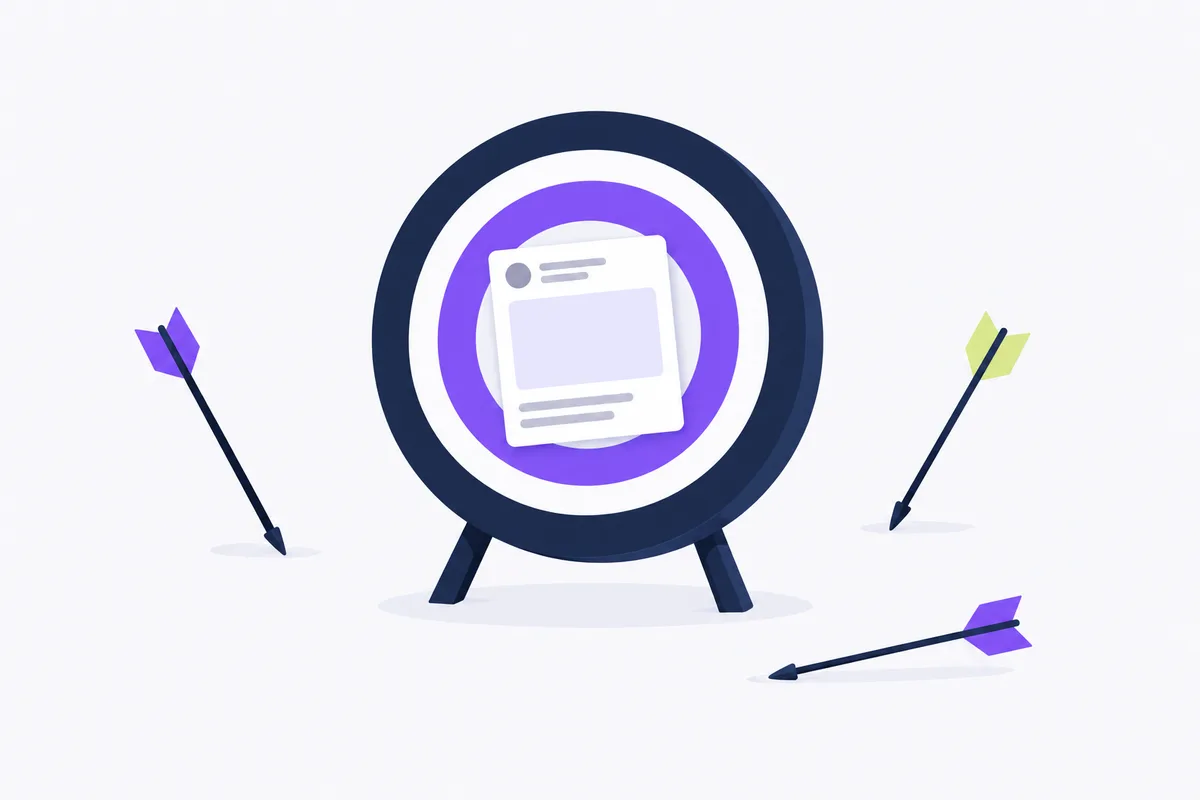
Dark ads are paid ads that run in people's feeds without appearing on your store's page or profile, as Big Wave Content explains. On Meta, you make one in Ads Manager by building a new ad instead of boosting or reusing a Page post.
What dark ads mean for your store
Dark posts differ from organic posts in visibility and targeting, says Estes Media.
Dark post meaning
A dark post on social media means an ad built from a Page post that is never published to the Page itself, according to Circleboom. Big Wave Content uses the term “unpublished page posts” for this approach.
To create a dark post, click + Create in Ads Manager, set up your campaign and ad set, then under Ad setup choose Create ad instead of Use existing post, as Web Tonic explains. The ad then shows only to the audience you target and never appears on your Page. A few planning points:
- Keep the creative unpublished on your Page, following the approach Big Wave Content describes.
For a dark post versus a boosted post, Web Tonic™ recommends starting the dark post in Ads Manager's campaign creation flow rather than boosting a Page post.
- Prepare tailored copy for different customer segments, a use Topgrowthmarketing recommends for dark posts.
A sample ad plan you can adapt is: “Product: linen tote. Audience: returning shoppers. Message: Explore the new colors. Publication: paid ad only.”
Plan public posts and paid ads
Estes Media describes organic posts as ones that appear on your timeline and reach your followers naturally.
Separate the decision to publish a public post from the decision to pay for distribution. Your public announcement and your paid ad plan can have different jobs.
If the product announcement needs a public home, plan the organic post separately.
Why use dark posts on Instagram and Facebook?
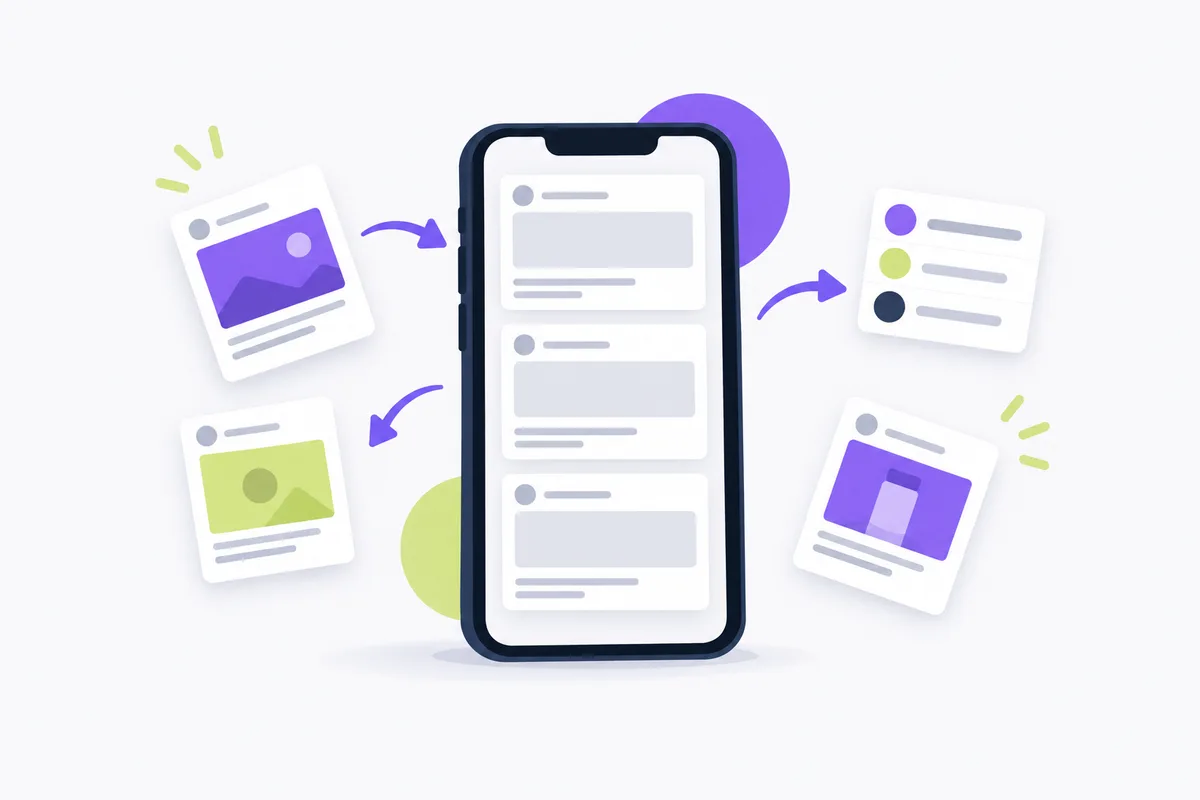
Dark posts can help with targeting and testing: Topgrowthmarketing recommends comparing creative versions and tailoring copy for different customer segments.
Web Tonic™ recommends unpublished Page posts when you want full campaign control, multiple creative variations, or conversion-focused campaigns with specific audience targeting. Treat those as reasons to consider the approach, then connect the creative brief to your store's campaign purpose.
When choosing platforms for dark posting, consider Facebook and Instagram. For Instagram, Influee describes dark posts as unpublished ads created in Meta Ads Manager that run to a targeted audience without appearing in the brand's or influencer's organic feed.
For your store, write the audience and message together: who should receive the offer, and what should that person learn about the product? Avoid treating “unpublished” as the campaign's goal.
For the wider campaign plan, use the Facebook ads beginner's guide alongside your product, audience, and offer brief.
A/B tests for unpublished creative
Measure dark-post success against how you choose to determine a winner in your A/B test, using the available options Meta provides.
A/B testing compares an ad with a version that changes an available variable. Meta lets you choose how to determine a winner and add additional metrics.
For the Make a copy of this ad option, follow Meta's A/B test procedure:
- Go to Ads Manager.
- Click A/B Test in the toolbar.
- Select Make a copy of this ad.
- Choose the ad you want to set up for the A/B test from the dropdown.
- Click Next.
- Select an available variable to change in the new version of your test. Follow the on-screen instructions.
- Choose which Ad Set you want to copy.
- Enter a name for your A/B test, then choose how you want to determine a winner from the options on screen. You may also add additional metrics.
- Schedule the start and end date of your test. These differ from the campaign dates and should cover the campaigns' duration or enough time to yield reliable results.
- Click Duplicate Ad Set.
- Create a name for your Ad Set, then follow the on-screen instructions.
- Review and edit all options, then select Publish to begin your test.
For measuring the success of dark posts, Estes Media recommends reviewing performance after several days.
Record how you will determine a winner in your campaign brief before the test starts. Keep that question separate from whether you like the image or wording personally.
Use media planning for e-commerce to connect the test's purpose with the rest of your ad plan.
Existing-post errors and preview checks
Choosing Use existing post in Ads Manager advertises a post already published on your Page, so the ad is not a dark post. Pick it only when you want the public post and the ad to be the same.
If you choose Use existing post, apply these checks from Meta's existing-post instructions before publishing. A call to action is the action requested by the ad, such as Shop now.
| Problem | What to check |
|---|---|
| Post and objective compatibility | Some existing posts may not be compatible with your selected ad objective. For example, a post with Shop now cannot be used to create a call ad. |
| Choosing a post ID | Avoid post IDs copied from a URL. Find the post in page posts and use the post ID shown in the ID column. |
| Instagram story availability | Only active Instagram stories can be selected. Archived stories and stories added to highlights cannot be selected. |
| Changes to the original post | Modifying details on the ad, such as adding a phone number, also changes that information on the existing post. |
| Call-to-action availability and removal | Some calls to action may not be available because they may not be compatible with your selected ad objective. If the existing post has a call to action, Remove can remove it from both the ad and the existing post. The button may be unavailable for ads that require a call to action to publish. |
For an existing post, a call to action with a different goal may also prevent you from using a specific call to action or creating a specific type of ad.
Before publishing, select different placements in Ad preview to preview your ad. Confirm that the creative matches your intended product, message, and ad plan.
Disclosure rules for unpublished ads
Disclosure rules apply to dark posts just as they do to public posts, so check every endorsement before launch.
The US Federal Trade Commission requires clear and conspicuous disclosure when an endorser's connection to the seller might materially affect the endorsement's weight or credibility and that connection is not reasonably expected by the audience.
Material connections can include business, family, or personal relationships. They can include monetary payment or free or discounted products, including products unrelated to the endorsed product, regardless of whether the advertiser requires an endorsement in return.
Before publishing an endorsement, identify the relationship and make any required disclosure easy to notice and understand. Add that review to your ad plan so the disclosure decision stays attached to the ad copy.
Crush, our ad platform, creates creatives and copy and launches campaigns in your own Meta ad account. Automate your Facebook ads if you want those tasks handled without an agency.
Frequently Asked Questions
Common questions about this topic
1What is Dark Posting on Instagram, Facebook and TikTok?
2What’s the main difference between dark posts and organic posts?
3Why use dark posts for targeting and testing?
4How can I measure the success of my dark posts?
About this article
This article was written with AI assistance and researched against the sources listed below. It was reviewed by our automated editorial checks before publishing.
Sources
- Dark Ads on Meta, Explained | Big Wave Content (bigwave.nyc)
- Mastering Dark Posting on Social Media, Estes Media (estesmedia.com)
- What is a dark post on social media? How brands test ads quietly (circleboom.com)
- Facebook Dark Posts: Guide to Unpublished Ads | Web Tonic™ (webtonic.io)
- Facebook Dark Posts: What They Are & Why They Win (topgrowthmarketing.com)
- Dark Post on Instagram: What It Is and How to Use It (influee.co)
- Create an A/B Test in Ads Manager | Meta Business Help Center (facebook.com)
- Dark Posts For Instagram & Facebook (estesmedia.com)
- Create Ads from Existing Posts in Meta Ads Manager | Meta Business Help Center (facebook.com)
- 16 CFR Part 255, Guides Concerning Use of Endorsements and Testimonials in Advertising (ecfr.gov)
Written by

Rokas Steponavičius
Founder, CEORokas is the Founder and CEO of TryCrush.ai, an ex-IBM professional turned entrepreneur focused on building AI-driven growth platforms. With a strong background in ecommerce, performance marketing, media buying, and artificial intelligence, Rokas specializes in creating scalable, data-led systems that drive measurable revenue. His mission is to help modern businesses leverage AI to optimize acquisition, conversions, and long-term profitability.
Stop Guessing.
Start Crushing.
AI Ad Manager trained by world-class media buyers to generate your creatives and optimize your ads 24/7.
Learn more
Related articles
Instagram Partnership Ads: Setup, Costs, and Rules
Create a partnership ad from eligible creator content using Meta's steps for creating a partnership ad with an ad code. Check permissions, disclosure rules, creative specs, and total costs before spending.
Facebook Posts for Engagement: Data From 1.8M Ads in 2026
Stop guessing what content works. We analyzed millions of ads to uncover the exact hooks, CTAs, and structures that drive real engagement.

The "Facebook Ads Guru" is Lying to You: How to Avoid Scams in 2026
"Secret hacks" don't exist. Discover how to identify fake Facebook Ads gurus, avoid churn-and-burn agencies, and properly audit your ad account. Protect your ad budget with science, data, and AI-driven marketing instead of empty promises.
Mastering Facebook Traffic Campaigns: Strategy & Setup
Most advertisers misuse the Facebook Traffic objective. Discover why "traffic" is often a vanity metric and how to set up campaigns correctly using "Landing Page Views" to avoid bots. Perfect for content promotion and newsletter growth.