
Key Takeaways
- 1Run Facebook and Instagram toward one campaign objective, with audience, placements, budget and schedule managed together for all ads within each ad set.
- 2Decide on manual placement restrictions using a comparison of Advantage+ placement findings with your campaign results and a named business requirement to protect.
- 3Choose campaign budgeting when flexible allocation across ad sets matters more than manually controlling each ad set’s spending.
- 4Before choosing separate campaigns for different objectives or separate ad sets for different delivery settings under one objective, document what your shared structure cannot accommodate.
A unified approach to Facebook and Instagram ads: shared objectives, placement choices, creative recommendations and budget rules for small online stores.
For your e-commerce store, use a unified approach to running Facebook and Instagram ads together: share a campaign objective and budget, and tailor copy by placement (ad location) for single-image or video ads. Meta describes Advantage+ placements as automatically selecting the most effective placements to simplify ad creation. Assess results against your store’s goal.
Running Facebook and Instagram ads together: a unified approach
When you set up ads in Meta Ads Manager, a unified approach keeps a shared store goal at campaign level and delivery choices at ad set level. Meta organizes ad creation into three levels: campaign, ad set and ad.
Use the campaign level for your objective and buying type. A campaign contains one or more ad sets, and each ad set contains one or more ads.
Use the ad set for audience, placements, budget and schedule. Meta says all ads in an ad set share these settings.
Use the ad level for images, videos, text, headlines, links and identity, meaning the Facebook Page and Instagram account representing the business. This gives your campaign brief a clear home for each decision.
For a canvas-tote store, a sample planning line is: “Goal: sell canvas totes; audience: everyday shoppers; placements: Facebook and Instagram; message: show carrying capacity; destination: tote product page.”
To run Meta ads on Facebook and Instagram, select Facebook and Instagram as placements in Meta Ads Manager. Meta says, “If you select Facebook and Instagram, we can get your ads to people at the lowest cost.”
You can run ads without an Instagram account. Meta says that at the Ad level, the Facebook Page connected in the Identity section is automatically selected below Instagram account to be the voice of your ads on Instagram.
Keep your written campaign brief beside the campaign creation walkthrough.
To run ads on Instagram without Facebook placements, select Instagram as a placement in Meta Ads Manager, as Meta instructs, using manual placement settings if you do not want Advantage+ placements.
To run ads on Instagram with your Facebook Page, follow Meta's steps:
- Go to Ad creation.
- At the Campaign level, choose an objective for your ad that supports Instagram.
- At the Ad set level, complete the Audience and Budget & schedule sections. Then, click Next.
- At the Ad level, you'll first need to connect a Facebook Page in the Identity section. Below Instagram account, you'll see that the Page that you've connected has automatically been selected to be the voice of your ads on Instagram. If you'd like to add an Instagram account, click Connect account.
- Before you place your order, make sure your Instagram Ad preview appears. This will ensure your ad will be eligible to run on Instagram.
Advantage+ placements and manual placement settings
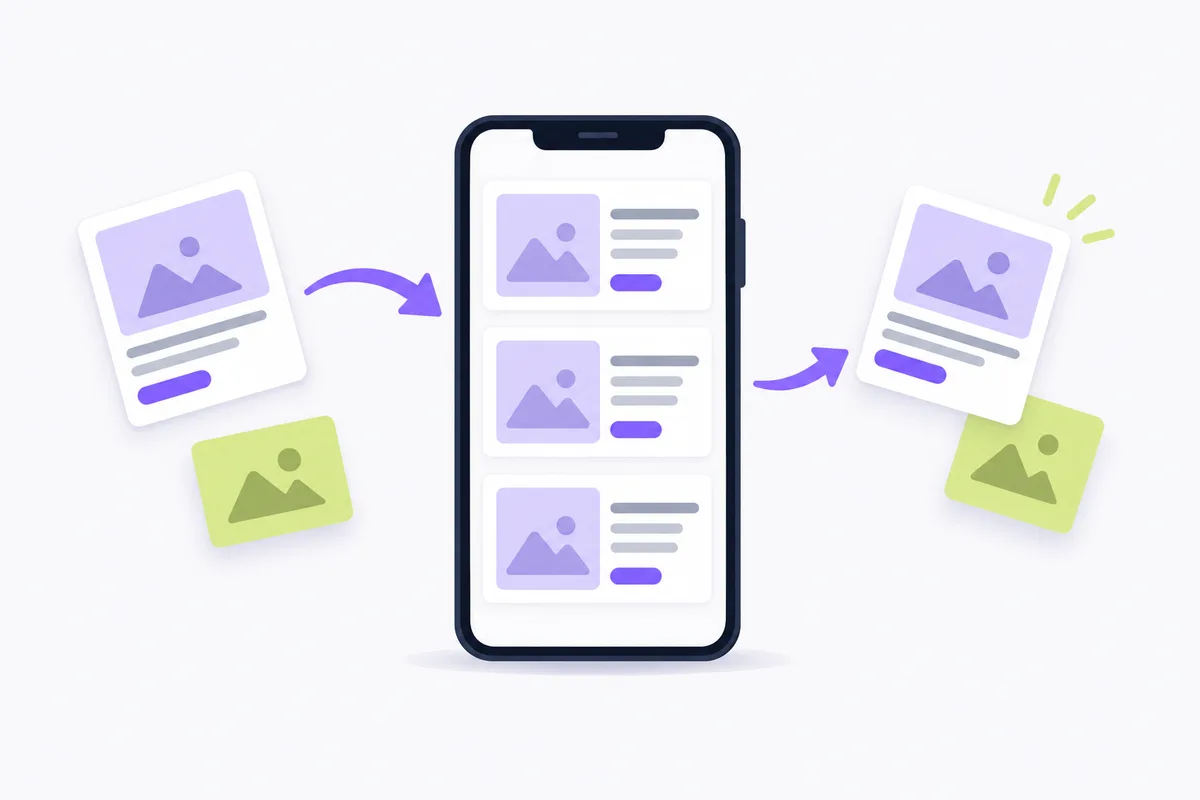
Advantage+ placements is broader than Facebook and Instagram; Meta recommends remaining opted into all placements across both platforms, Messenger, Threads and Audience Network.
With Meta’s Advantage+ placements, also called Placements with Advantage+ on, automatic placement selection can help simplify ad creation and find cost-effective opportunities across Meta technologies and placements.
Meta recommends Advantage+ placements (or Placements with Advantage+ on) if you use the highest volume bid strategy because its ad delivery system is designed to get you the most optimization events (the number of times your ads achieved the outcome your ad set is currently optimized for) at the lowest average cost overall, not the lowest average cost for each placement. It looks at all available opportunities across all placements and selects the least expensive ones without regard for the average cost per optimization event for each placement.
Compare that finding with your own campaign results before changing placement choices.
Keep Advantage+ placements if you want broader placement availability under this recommendation. If delivery must stay on Facebook and Instagram, choose ad placements in Ads Manager and in Advertising settings, including Facebook and Instagram for the shared ad set. Choose manual restrictions only when you can name the business requirement they protect.
Creative for Facebook Feed, Instagram Stories and Reels
Facebook and Instagram can use different copy in a shared campaign through Meta’s placement asset customization when the ad uses a single image or video. This feature lets you tailor ad copy to placements on Facebook, Messenger, Instagram, WhatsApp and Meta Audience Network.
When tailoring ad creative for different placements and formats, LeadEnforce advises adapting your tactics to the format. Keep the product benefit and offer consistent, but review how much copy each placement can display. Put the essential product information early enough that the message still makes sense if later text is cut off.
For most placements, use Meta’s recommended text lengths: 125 characters for Primary text, 40 for Headline and 25 for Description. Text may be further truncated across placements and devices.
For layout, follow Meta’s safe-zone guidance: the safe zone is the area where important elements, such as text overlays and logos, will not be cropped out or covered by the user interface. For 9:16 ads in Stories, Reels, Feed and Facebook in-stream reels, keep the top, bottom and side edges free of key creative elements, text and logos. Some of these features are being introduced gradually. You may not see them yet.
Creative specifications and review preparation
If you use generative artificial intelligence (AI) features, check their availability before relying on them for production.
Prepare the copy and layout for each intended placement before committing budget.

Budget allocation and pacing across both platforms
One unified campaign does not require a separate budget for each platform. Advantage+ campaign budget distributes money across ad sets, while Advantage+ placements selects delivery opportunities across placements.
Meta offers a campaign budget through Advantage+ campaign budget, also called Campaign budget or Budget with Advantage+ on, or individual ad set budgets.
This lets you set one overarching campaign budget that continuously distributes in real time to ad sets with the best opportunities. Campaign budgets can help you get the most results possible from your campaign at the lowest cost and work best if you are flexible with how budget is spent across ad sets.
Ad set budgets give manual control over how much each ad set spends. Do not treat a shared budget as a promise of equal Facebook and Instagram spending.
Budget periods include Daily budget, a daily spending amount, and Lifetime budget, a total spread across the campaign’s schedule. As of October 2026, Meta says greater daily budget flexibility is being introduced to some Meta Ads Manager accounts.
Hypothetical pacing check: suppose your promotion has a $120 budget over 6 days. The planning average is $120 ÷ 6 = $20 per day. If it has spent $50, the remaining amount is $120 - $50 = $70.
Compare your remaining budget with the remaining promotion period before increasing spending. Keep flexible placement delivery separate from the amount you are willing to commit overall.
Choose the budget level according to whether you need flexible allocation or tighter ad set control. Use the campaign versus ad set budgeting guide to document why you chose that budget level.
Planning performance comparisons for a unified campaign
Record the campaign goal before planning a comparison. For a purchase-focused campaign, plan to compare purchases and cost per purchase over the same reporting period. Keep that goal visible when assessing changes to your ads.
Before restricting a placement, write down the business requirement you want the restriction to serve. Assess the change against the overall campaign goal.
For the A/B test described in Meta’s campaign-creation instructions, plan which image, audience or placement variation you want to compare before publishing; configure the test afterward.
Use purchases and cost per purchase to judge a purchase-focused test. If the purchase results do not give you a clear basis for choosing a version, treat the comparison as inconclusive and avoid scaling a version on that comparison alone.
Change the element the comparison addresses, and keep a note of what was changed.
When separate campaigns make sense
Consider separating campaigns when you need different campaign objectives; separate ad sets suit different delivery settings under a shared objective. Use your store’s requirement to choose the level of separation.
Use Meta’s campaign hierarchy, budget-level choices and single-image or video copy customization to choose a structure:
| Your requirement | Structure to consider |
|---|---|
| Shared objective, audience, placements, budget and schedule | When one delivery setup serves the ads, keep them in the same ad set; use placement asset customization to tailor copy for ads with a single image or video. |
| Shared objective, but different audience, placement, budget or schedule needs | When variations fit under one campaign objective, use separate ad sets within the campaign. |
| Different campaign objectives | If each effort has its own overall advertising goal, use separate campaigns because the objective is selected at campaign level. |
| Manual spending control for each platform | If Facebook and Instagram need different budget settings under the same objective, use platform-specific ad sets with ad set budgets. |
A Facebook vs. Instagram ads comparison should answer a business question, such as whether each platform needs its own spending commitment. Avoid duplicating campaigns merely to make the account look more organized.
Different copy alone is not a reason to duplicate campaigns when placement asset customization covers your needs for ads that use a single image or video. Before splitting the campaign, write the requirement that a shared structure cannot meet.
Crush, our ad platform, creates ad creatives and copy for your store and launches campaigns in your own Meta ad account. Automate your Facebook ads.
Frequently Asked Questions
Common questions about this topic
1Should a small store advertise on both Facebook and Instagram?
2Do I need an Instagram account to advertise on Instagram?
3Does advertising on both platforms require separate budgets?
4What is the difference between Advantage+ placements and Advantage+ campaign budget?
About this article
This article was written with AI assistance and researched against the sources listed below. It was reviewed by our automated editorial checks before publishing.
Sources
- What are the advertising levels in Meta Ads Manager? | Meta Business Help Center (facebook.com)
- Creative best practices for text in ads | Meta Business Help Center (facebook.com)
- About Advantage+ Placements | Meta Business Help Center (facebook.com)
- About Advertising On Instagram | Meta Business Help Center (facebook.com)
- Run ads on Instagram with your Facebook Page | Meta Business Help Center (facebook.com)
- How to Create Instagram Business Ads in Meta Ads Manager | Meta Business Help Center (facebook.com)
- Best practices for placements | Meta Business Help Center (facebook.com)
- How the Meta delivery system works using Advantage+ placements | Meta Business Help Center (facebook.com)
- LeadEnforce | How to Combine Facebook and Instagram Ads for Maximum Impact (leadenforce.com)
- About text overlays and the safe zone for ads in Stories and Reels | Meta Business Help Center (facebook.com)
- About budgets | Meta Business Help Center (facebook.com)
- How do I create a campaign in Meta Ads Manager? | Meta Business Help Center (facebook.com)
Written by

Albertas Pocius
Co-founder, CMOAlbertas is the Co-Founder and CMO of TryCrush.ai, bringing elite-level performance marketing expertise to the platform. With over $50M+ in combined Facebook and TikTok ad spend, Albertas has launched and scaled dozens of projects from zero, driven by a deep obsession with data and experimentation. He has trained 20+ media buyers, consulted 100+ companies, and is widely recognized as one of Europe’s early TikTok pioneers, likely the first to scale campaigns beyond $100K per day. Today, he also teaches advertising strategy at two colleges, shaping the next generation of media buyers.
Stop Guessing.
Start Crushing.
AI Ad Manager trained by world-class media buyers to generate your creatives and optimize your ads 24/7.
Learn more
Related articles

Higgsfield AI vs TryCrush: Which Platform Delivers Better ROAS?
The arms race in generative AI is accelerating. Discover the core differences between Higgsfield AI and TryCrush, and learn why transitioning from organic content creation to profitable paid ad conversion requires a specialized performance engine.
Forward vs Next Story: Instagram Metrics & Tool Review (2026)
A deep dive into Instagram story metrics, plus a complete feature and pricing comparison of marketing tools Forward and The Next Stories.

Kling AI vs TryCrush: The Ultimate Showdown for Advertisers
While Kling AI creates stunning cinematic videos, TryCrush builds profitable ad campaigns. Discover the key differences between generative video models and performance-first AI systems, and learn which tool media buyers need to lower CAC and scale revenue.

Invideo AI vs TryCrush: Why Media Buyers Are Switching
While Invideo AI excels at organic content creation, performance advertisers need tools built for revenue. Explore the Invideo AI vs TryCrush comparison to see why media buyers are migrating to autonomous, data-driven ad scaling.